Sabrul Jamil
Company automation · with or without AI

Your team shouldn't do by hand what a system can do for them.

I automate the routine work in small and growing companies: enquiries, project set-up, invoicing, payment follow-up, documents and reports. Some of it needs AI and most of it doesn't. I'll tell you which is which, and build it on systems your company owns.
  • Workflow automation
  • AI where it earns its place
  • Project & billing systems
  • Private cloud & private AI
  • Dhaka · working worldwide
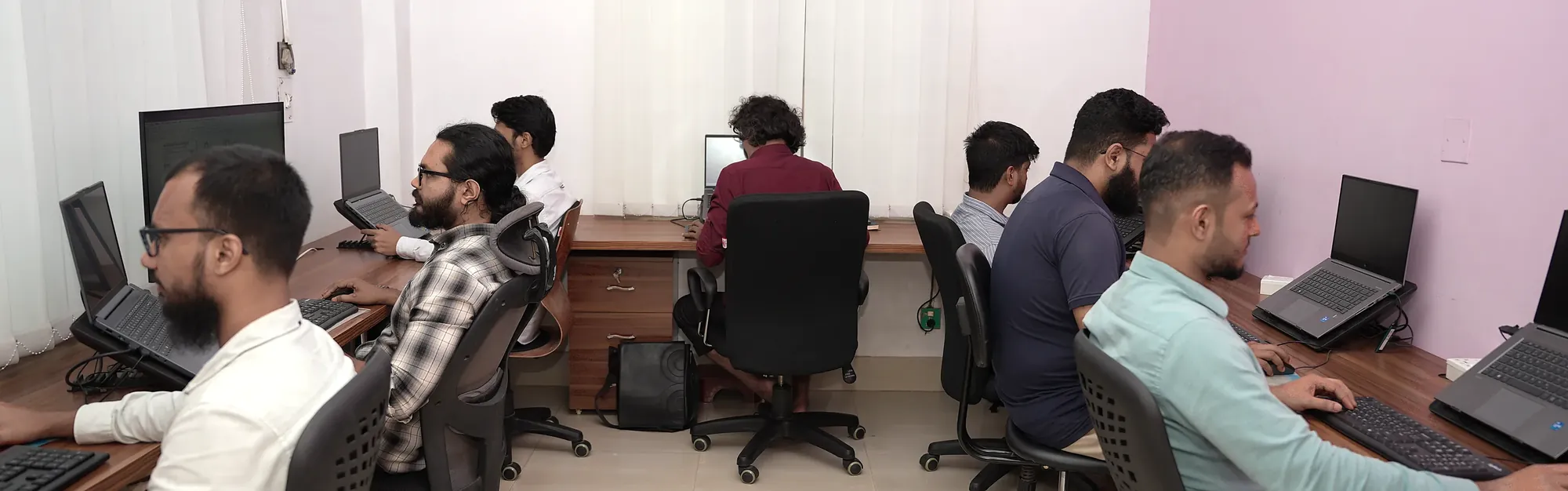
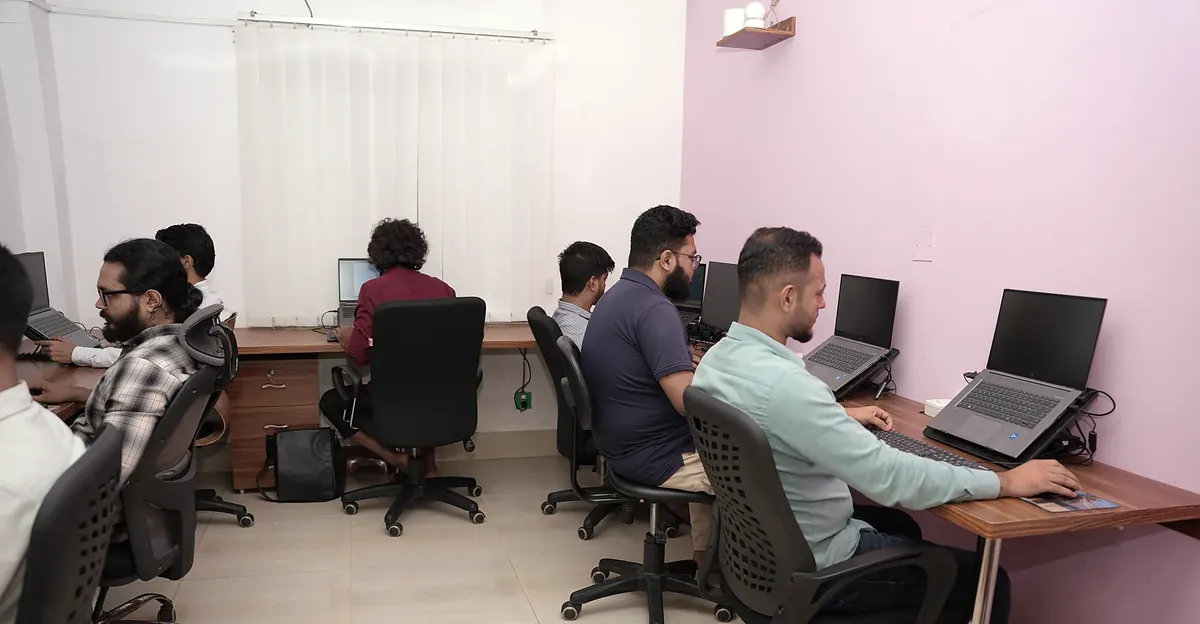
A team working at their desks in a bright open-plan office
What can be automated

Your company repeats the same work every day

If someone in your company does the same steps every day or every week, a system can probably do them. These are the areas where I find the most hours.

Enquiries & sales

  • Website enquiries logged and sent to the right person
  • Instant first reply, follow-up reminders
  • Quotes started from a template, not a blank page

Projects & operations

  • New project gets its number, folders and team automatically
  • Status changes notify the people who need to know
  • Deadlines and priorities ranked for you each morning

Invoicing & payments

  • Invoices raised from the project, not retyped
  • Balances update as payments arrive
  • Overdue list and payment reminders, without chasing by hand

Documents & data entry

  • Details read from PDFs, forms and emails
  • Spreadsheets replaced by a proper database
  • Standard letters and reports filled in for you

Reports & dashboards

  • Daily and weekly reports that build themselves
  • Who is working on what, and what is late
  • Money in, money owed, at a glance

Files & IT housekeeping

  • Nightly backups with a week of history
  • Accounts and access set up the same way every time
  • Alerts when something fails, before anyone notices
With or without AI

Use AI where it helps, not everywhere

Most automation is plain rules: when this happens, do that. It's fast, cheap to run, and does the same thing every time. AI adds value where the work means reading, understanding or writing language. Many good systems use both.

Without AI · rule-based

Predictable and auditable

Triggers, schedules and connections between your tools. Every step can be traced, and it costs almost nothing to run.

  • Create folders, records and tasks when a project opens
  • Move data between forms, spreadsheets and systems
  • Send reminders, notifications and scheduled reports
  • Calculate balances, statuses and priorities
With AI · language and judgement

For the work that needs reading

AI can handle unstructured input, like customer messages, scanned documents and long PDFs. People still review its output where mistakes would cost money.

  • Answer customer questions from your own documents
  • Read PDFs and scans into structured data
  • Sort incoming email and route it to the right person
  • Draft replies, summaries and reports for a person to check

Private AI on your own hardware

Your data doesn't have to go to a third party. AI models can run on a server or workstation in your office, next to your private cloud. Nothing leaves the building, and there's no per-message bill.

I run both kinds of AI in my own company today. An AI assistant answers customer chats on our websites and hands over to a person when needed. A local model on our own machines turns PDF documents into searchable text.

What I build it on

Automation needs solid foundations

Automation is only as good as the systems underneath it. Where those don't exist yet, I build them too. You get one person from scoping to handover, a fixed quote before work starts, and written documentation when it ends.

Workflow automation & integration

Connect the tools you already use, and replace the copy-paste routines that take up your team's week.

  • Triggers, schedules and integrations
  • AI steps where they're worth it
  • Small custom tools for web and desktop
  • Logs, so you can see what ran and when

Project & billing systems

One place for projects, tasks, invoices and payments: a single source of truth that automation can work from.

  • Project pipeline with stages and owners
  • Invoices, part-payments, balances, ageing
  • PDF invoices and finance ledger
  • Role-based views: staff don't see prices

Your own private cloud

A private alternative to Google Drive or Dropbox, on a server you own or rent. It can also host your private AI.

  • Nextcloud: file sync, sharing, calendars, contacts
  • User accounts, groups and folder permissions
  • HTTPS, nightly backups, snapshot history
  • Optional standby server with tested failover
Selected work

Automation running in a real company

I built both of these for my own team first. They handle live projects, real invoices and real files every day. Work that used to be done by hand now happens on its own.

Case study · Operations & billing automation

Z-Flow: projects, people and invoices in one system

A design team had projects in one spreadsheet, invoices in another and files in a third place. I built Z-Flow on top of OpenProject (open source). It added three custom modules for the work the team actually does: project lifecycle, invoicing and workforce.

Opening a project now does the set-up by itself. The project gets its number and its folder tree, and the right people are notified. Every project moves through defined stages, from enquiry to financial close. Payment status is calculated from the payments themselves, so no one updates it by hand, and the ledger always shows who has paid, who has paid part, and what is overdue.

86projects migrated
130+invoices moved off spreadsheets
3custom modules
  • OpenProject
  • Ruby on Rails
  • PostgreSQL
  • Docker / Podman
  • Web push
  • Nextcloud API
  • Automatic set-upProject numbers per client, folder trees and team access, created the moment a project opens.
  • Stage-gated pipelineA 10-stage status flow, with notifications at every hand-off.
  • Self-updating ledgerBalances, part-payments and ageing buckets update from recorded payments. PDF invoices are generated automatically.
  • Role-based visibilityPrices and client deadlines are hidden from roles that don't need them.
  • Priority engineRanks what each person should work on next, with skills matching, leave and to-dos taken into account.
  • Built for phonesA mobile home screen, plus browser and phone notifications.
Case study · Automated IT & private cloud

A company cloud that backs itself up every night

The team's files run on its own Nextcloud server, not a rented SaaS drive. There are no per-seat fees, and no third party holds the data.

A second server copies everything every night and keeps a week of snapshots plus database dumps. It pulls through a locked, read-only key, so the main server cannot be damaged from the backup side. Failover has been tested, and the switch-over steps are in a written runbook.

1.3 TBof company files
17user accounts
7-daynightly snapshots
  • Nextcloud
  • AlmaLinux
  • nginx
  • MariaDB
  • Redis
  • Let's Encrypt
  • rsync
  • MikroTik
  • Files, calendars, contactsDesktop and phone sync clients, with share links for clients.
  • Plugged into the project systemProject folders are created over WebDAV the moment a project is opened.
  • Backups you can restoreSnapshots that use hard links keep a week of history without a week of disk.
  • Standby serverAn identical copy of the setup, ready to take over if the main server fails.
  • Network done properlyRouter, local DNS and port forwarding set up and documented.
  • Runbook includedWritten steps your own IT person can follow without me.
Also available · Photography

Office and team photography for your website

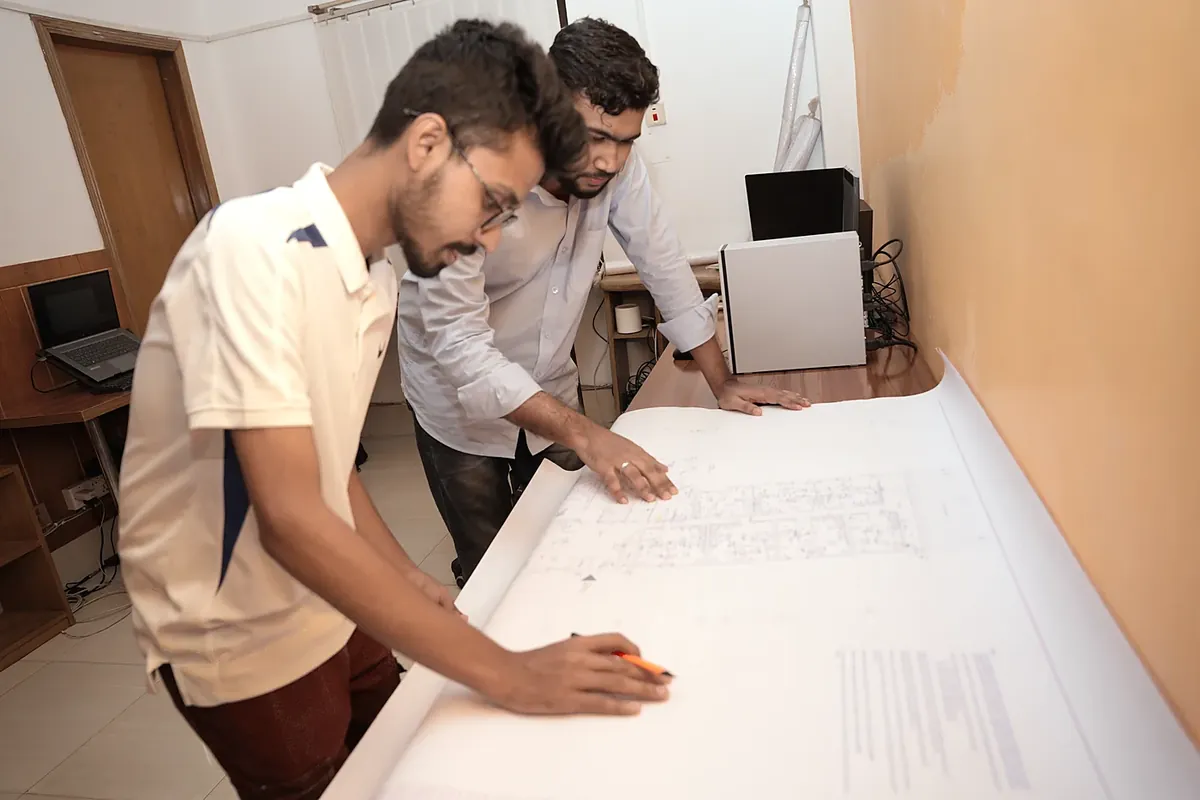
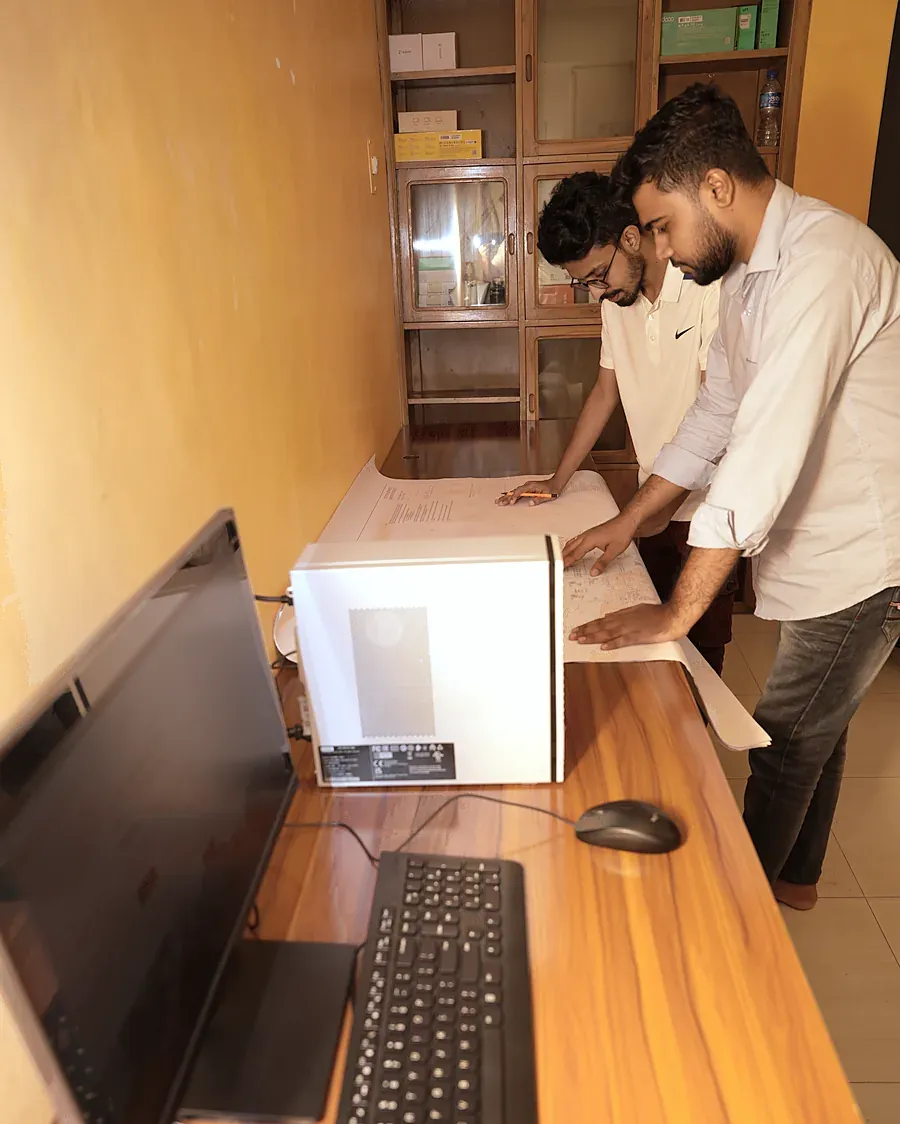
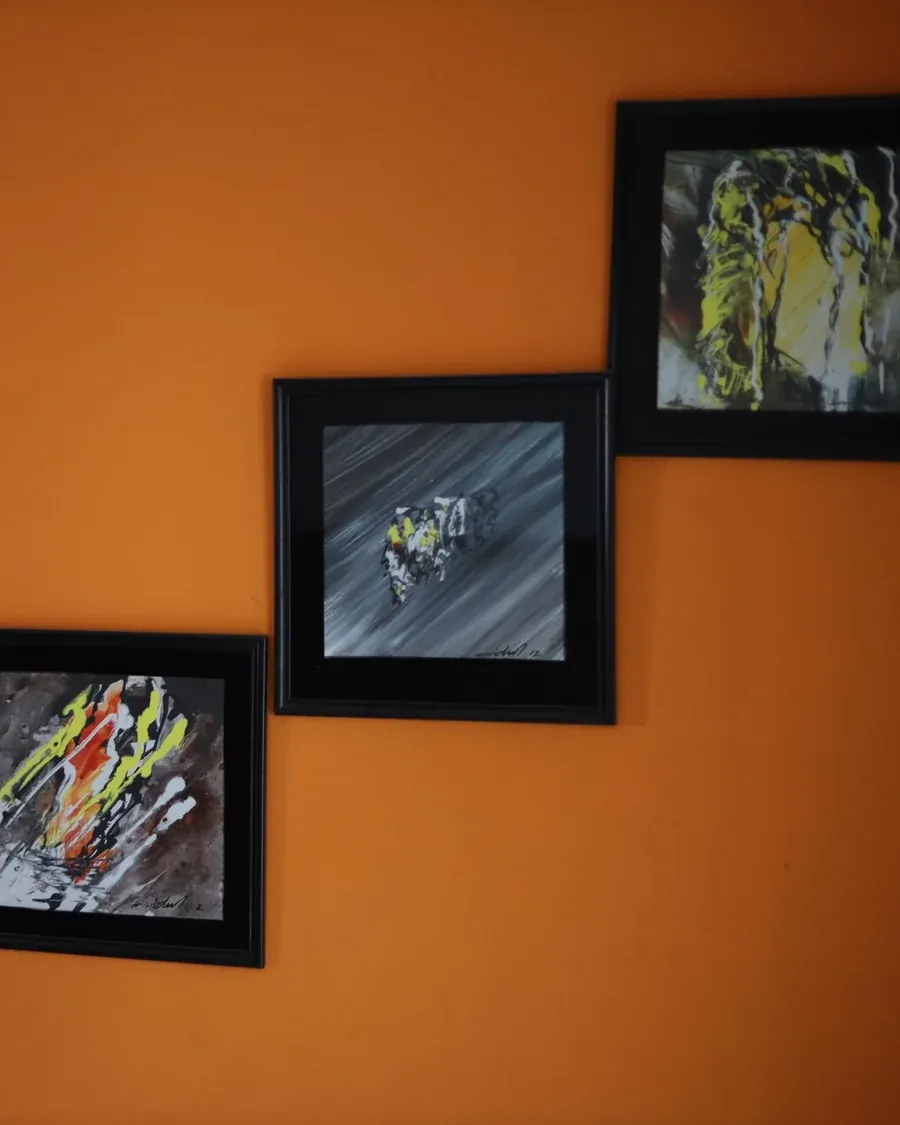
Real photos of your workplace instead of stock images. These are from a working studio, shot on a normal workday with no models and no staging, then colour-corrected and prepared for the web.

What a shoot includes

We agree a shot list before the day: the spaces, the people and the moments your website, profile or proposal needs. I shoot during a normal working day, so your team keeps working.

Every frame is colour-corrected and exported in web-ready sizes. Location and camera data are removed. Before delivery I check every screen, whiteboard, nameplate and document in shot at full size, so no client name or confidential detail goes public by accident.

Shoots in and around Dhaka. Ask for a quote with your office size and what the photos are for.

  • Website bannersWide crops sized for page headers
  • About & team pagesReal people, real desks
  • LinkedIn & socialSquare and portrait crops
  • Company profilePrint-resolution files
  • Proposals & decksShows a client the team they'll get
  • RecruitingShows candidates the place they'd work
How I work

Simple, written down, and yours at the end

  1. Automation reviewWe walk through a normal week and list the tasks your team repeats, with rough hours for each. No charge.
  2. Plan & fixed quoteWhich tasks to automate first, with or without AI, plus the price and timeline, in writing before any work starts.
  3. Build in small stepsThe first automation goes live early, then the next. You see results within weeks, not at the end.
  4. HandoverDocumentation, training for your team, and full admin access. You own it all.
About

Hi, I'm Sabrul Jamil

I run a technical studio in Dhaka. As it grew, I automated it piece by piece: how projects are opened, how invoices and payments are tracked, how files are stored and backed up, and how customer chats are answered. Most of it now runs without anyone touching it.

Every company has to automate now, and most don't know where to start or whether they need AI. I help small and growing teams with exactly that. You deal with the person who built and runs these systems, not an agency account manager.

I prefer open-source tools you can host and keep, plain documentation over lock-in, and a fixed price over open-ended hours.

  • You own itYour server, your data, your admin passwords. Nothing is held back.
  • Open source firstNextcloud, OpenProject, Linux. No per-seat licence that grows with your team.
  • Written downEvery system ships with a runbook your own people can follow.
  • Honest about AIIf plain rules do the job, you won't pay for AI. If AI is needed, you'll know what it costs to run.
  • Tested on my own workI run everything I recommend on my own team first.
Contact

What does your team repeat every week?

Tell me in a few lines, and I'll reply within one working day with what can be automated and how.

jamil@sabrul.com

Based in Dhaka, Bangladesh (UTC+6). Automation work for teams anywhere, and photography on location in Dhaka.

This opens your email app with the message filled in. Nothing is stored on this site.